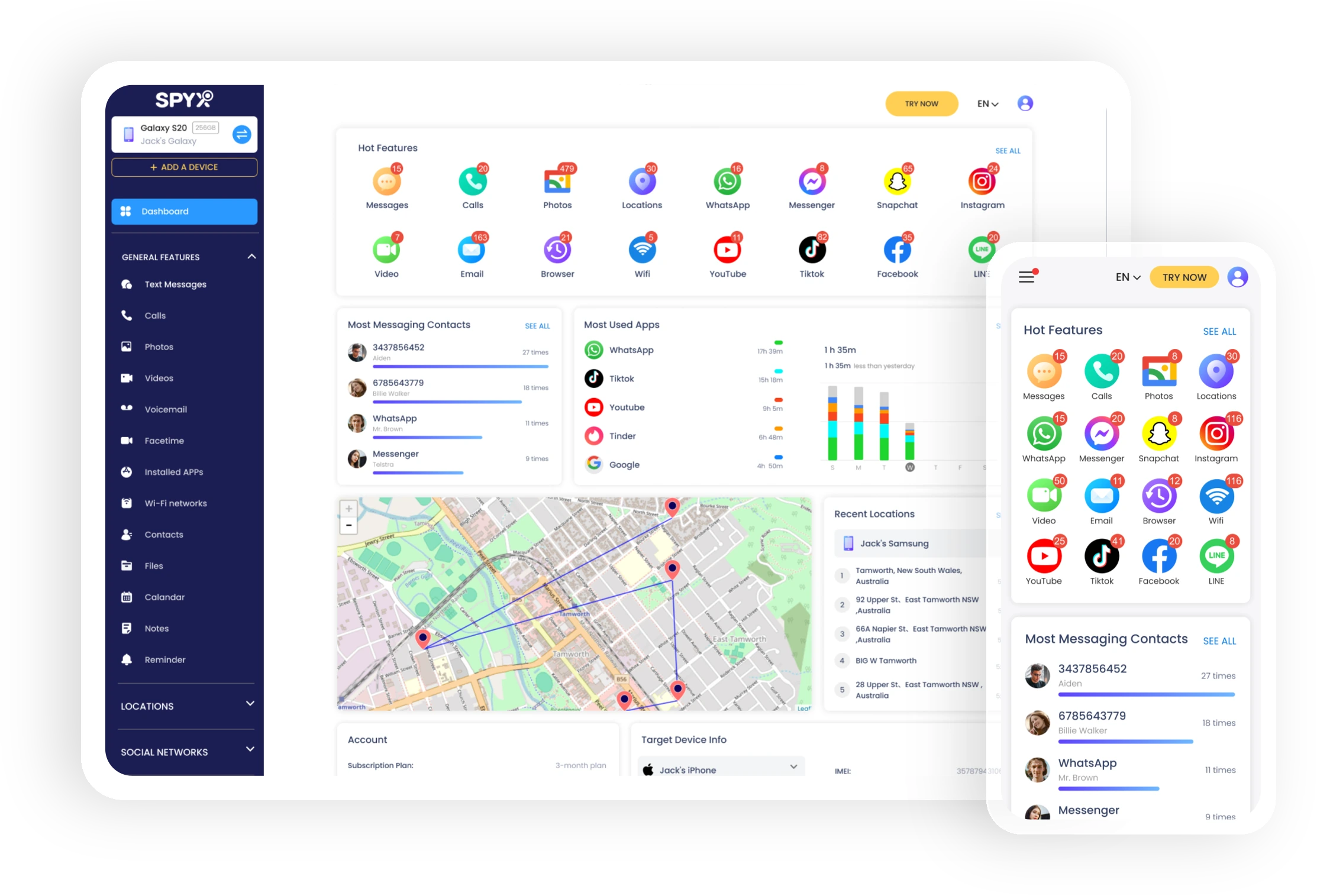
Wi-Fi Tracker
 Identify the most visited places.Find out details about the connection (type, time).Available location information via Wi-Fi signals.Monitor Wi-Fi data remotely in stealth mode.
Support all iOS & Android devices


What Can I Do with Wi-Fi Logger on A Target Phone?
1. Monitor Wi-Fi Networks on Target devices
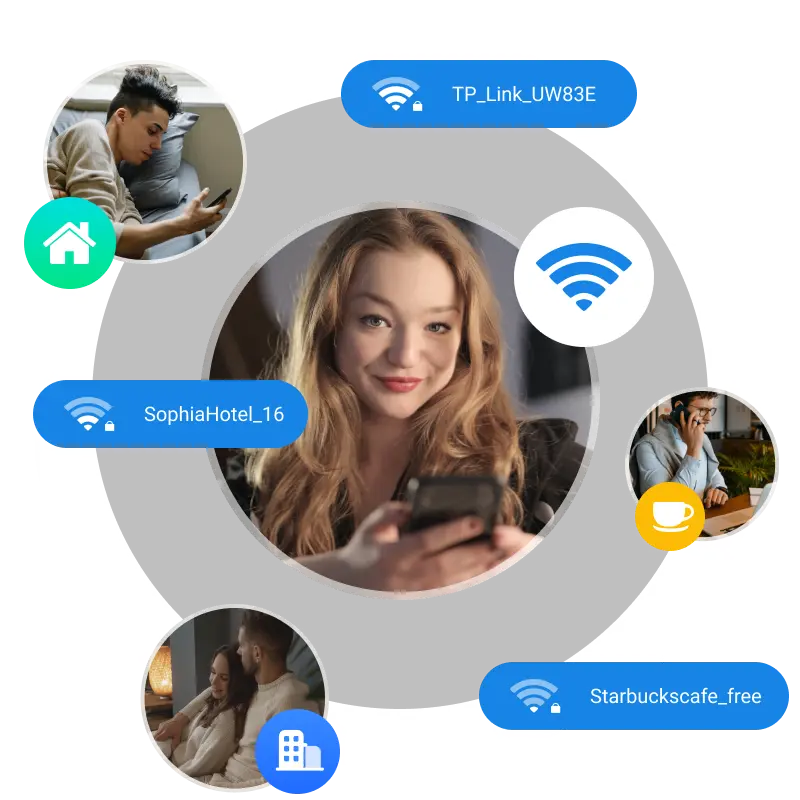
Track the name of the Wi-Fi access point the device is connected to.
2. Tracking Your Kids Using Wi-Fi Signals
Discover the accurate time and location of the Wi-Fi hotspots their phone connects with.
Why Will You Monitor kid’s Wi-Fi?
If you are worried about the whereabouts of your child, Tsafely helps you to track the location your child is visiting by checking the name of the WiFi access point his phone connects with.
With the help Tsafely, you can see the date and time that the device connected to the network, the location of the Wi-Fi network.
SpyX allows you to monitor the Wi-Fi history of the target device on any other device. And it will monitor the Wi-Fi networks in stealth mode, without the owner of the device knowing.
How to Monitor Phone Calls with SpyX?
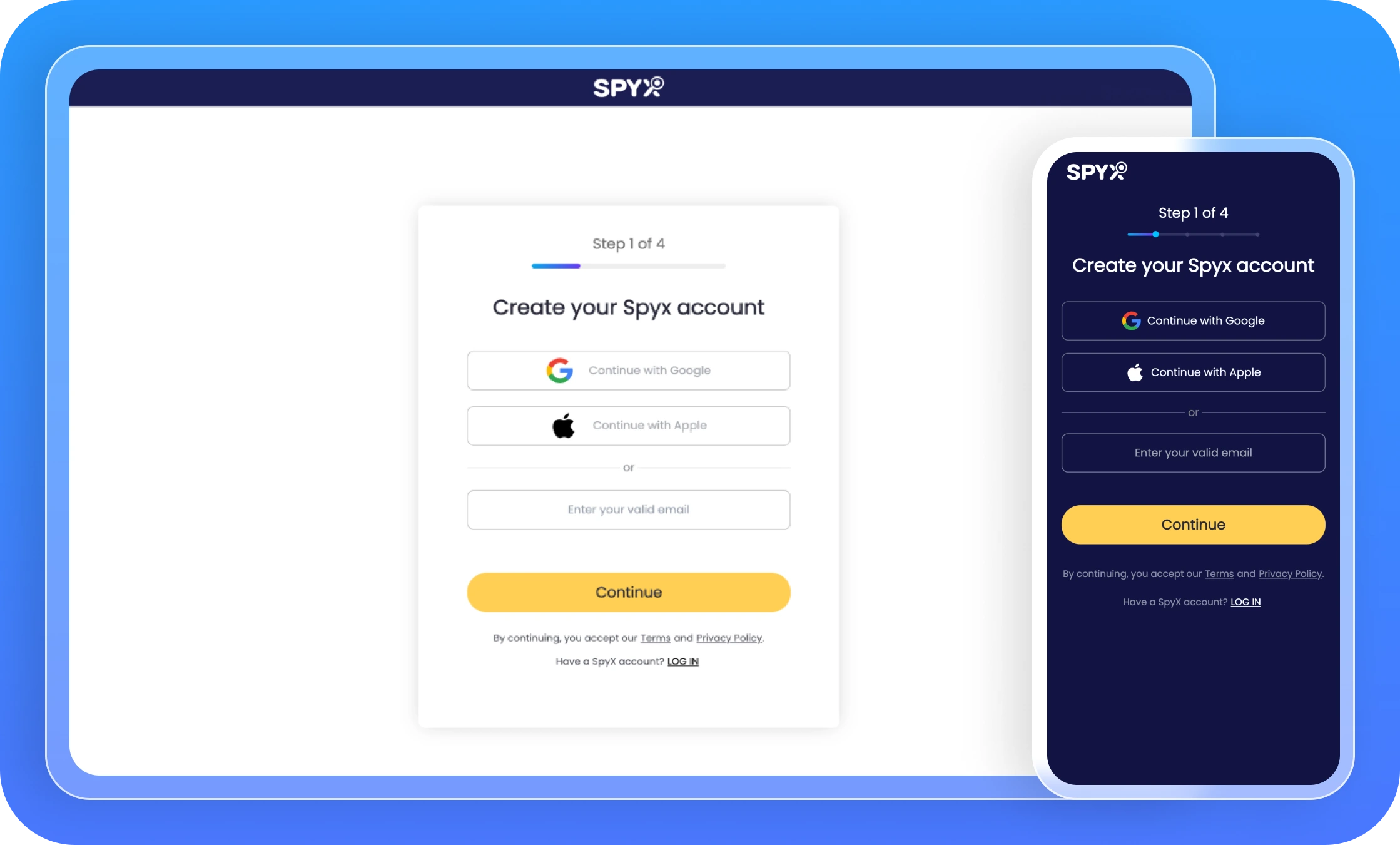
Step 1. Create Your Account
Enter your email address in the field provided and then click on "Sign Up" to create your account.
Step 2. Enter iCloud Details
To monitor the Wi-Fi networks on the iPhone, you will need to provide the iCloud login details connected to the device.
Step 3. Start Monitoring Wi-Fi Networks
Go to your control panel and then click on "Wi-Fi Networks", you can see all the Wi-Fi networks the device has connected to and additional details, such as date and time of the connection.
Monitor your child's phone in 2 minutes
FAQ about Monitoring Wi-Fi Logger