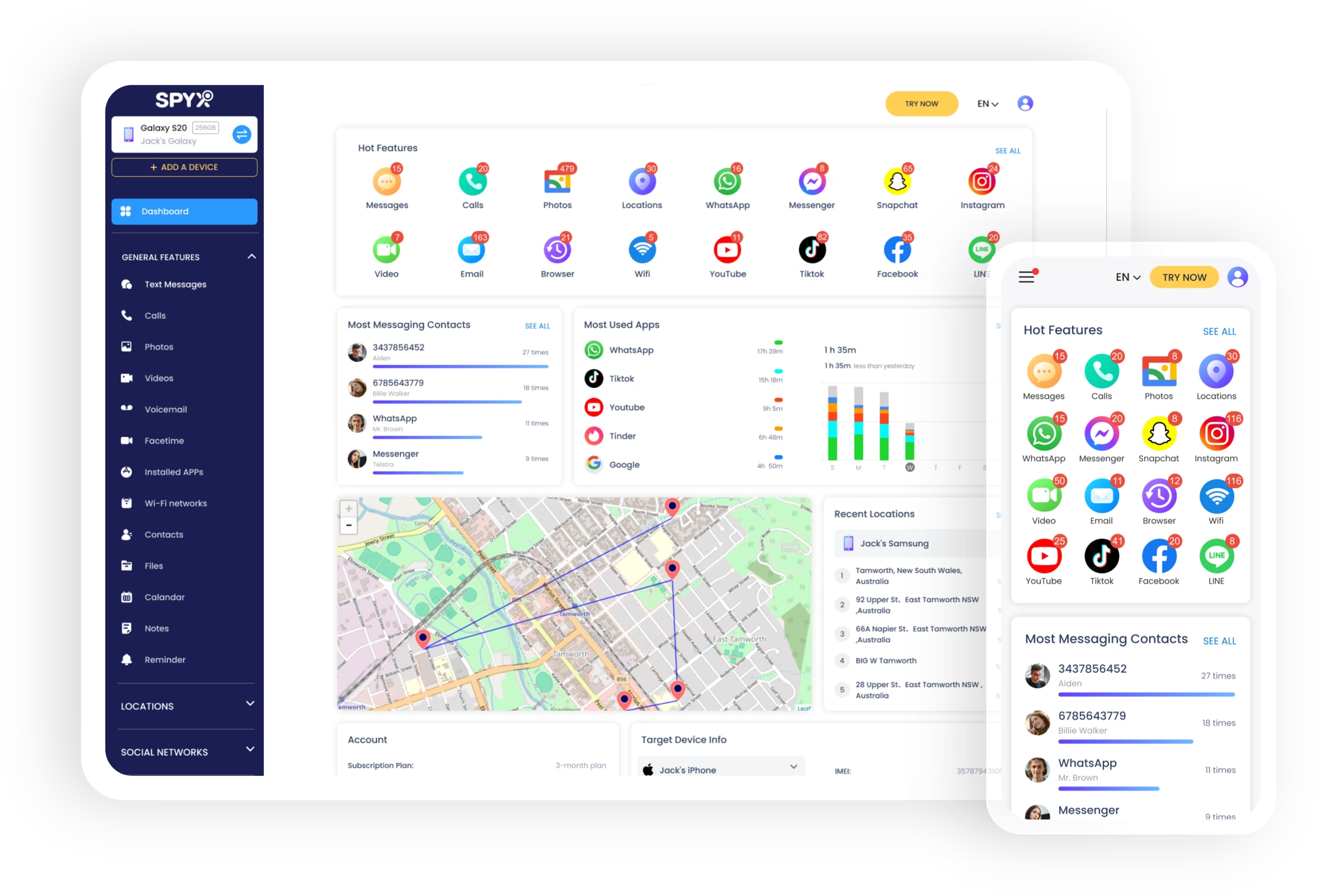
Track iMessages
 View sent and received iMessages, even deleted ones.Track all photos, videos, docs and other files attached to the messages.Track all messages with exact date and time stamp.Monitor iMessages remotely and in stealth mode.
Support all iOS devices


What Can I Do with iMessages on A Target Phone?
1. View All Messages
With SpyX iMessage tracker, you can track all the messages sent and received on the traget phone. You can also access those messages that were deleted.
2. Track Timestamp
You can see each text message with date and time so that you can be clear when the message was sent and received.
3. Track Attachments
SpyX allows you to view all files that may be attached to the iMessage, such as photos, videos and docs.
Why Will You Monitor kid’s iMessages?
iMessages are texts, photos, or videos that you send to another iPhone, iPad, iPod touch, or Mac over Wi-Fi or cellular-data networks. These messages are always encrypted and appear in blue text bubbles.
People send iMessages through Apple's servers rather than regular cell towers. As a result, iMessages are end-to-end encrypted. This means that, unlike SMS messaging, where your cellular provider can read your messages, Apple cannot.
How to Monitor iMessages with SpyX?
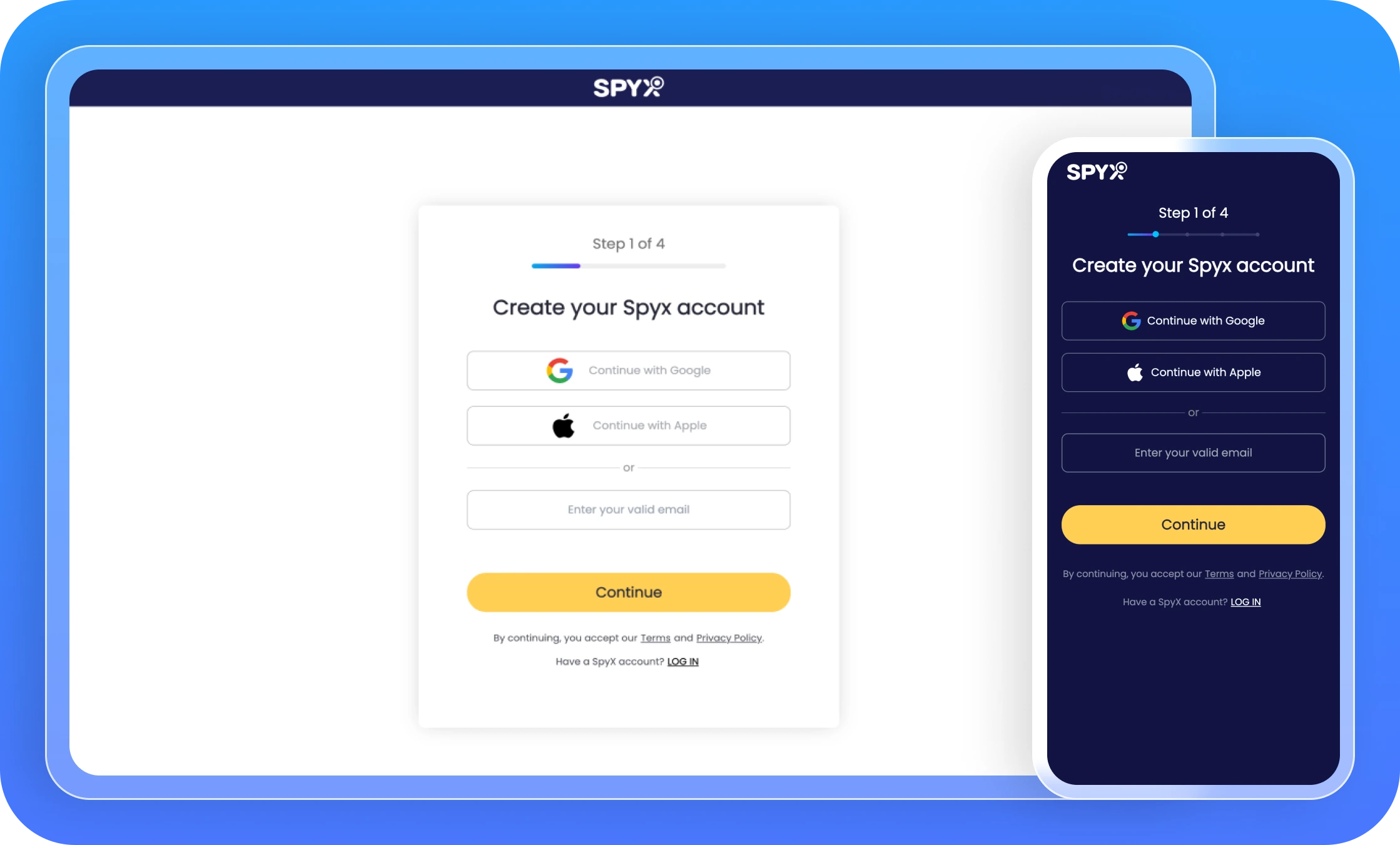
Step 1. Create An Account
Go to the iMessage Tracker’s main website, enter your email address in the field provided, and then click “Sign Up Free” to create an account.
Step 2. Enter iCloud Details
To facilitate the tracking of iMessages on the target iPhone, you will be required to enter the iCloud login details associated with the target device.
Step 3. Start Monitoring iMessages
After binding the iMessage Tracker with the target device, you are ready to begin monitoring the messages.
Go to your control panel and select "iMessage" to see all incoming and outgoing messages. To see additional details including time, date and attachments, click on a specific message.
Monitor your child's phone in 2 minutes
FAQ about Monitoring iMessages