


How to connect an Android device via Google account (without downloading app)?

Last updated:Dec 22, 2025
Thank you for trusting SpyX and using our undetectable phone tracking service. This article will guide you through the steps to set up the target Android device you wish to monitor (View guide for iOS device).
Please note: The information and devices mentioned below refer to the target device you intend to monitor, not your own phone.
1、Select Android Setup Method
Choose the Android option and select Google account.
Note: This method does not require downloading any app on the target device.
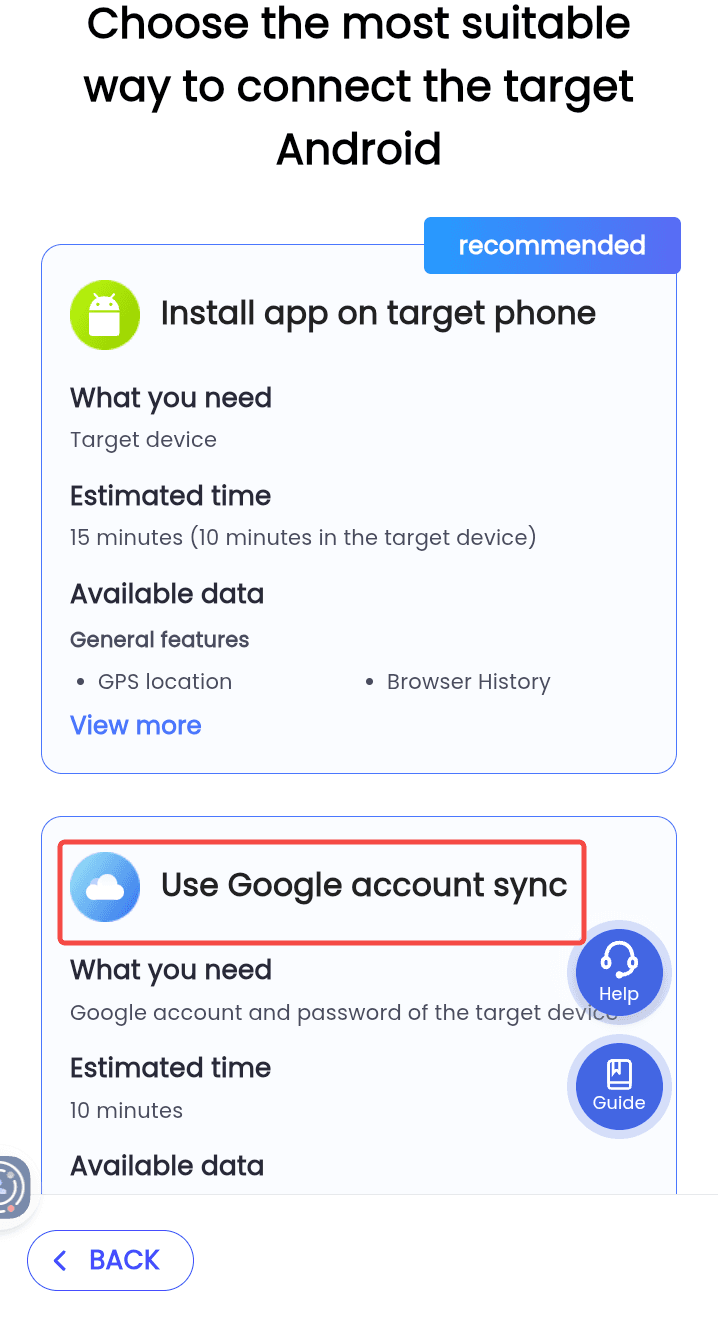
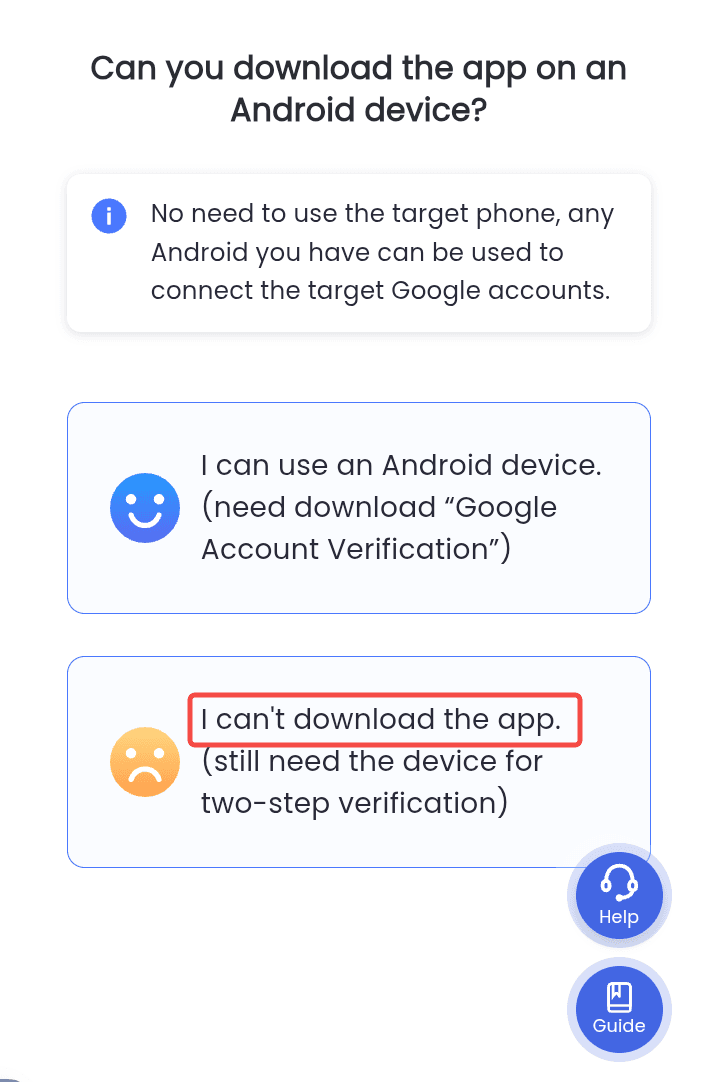
2、Preparation Before Connection
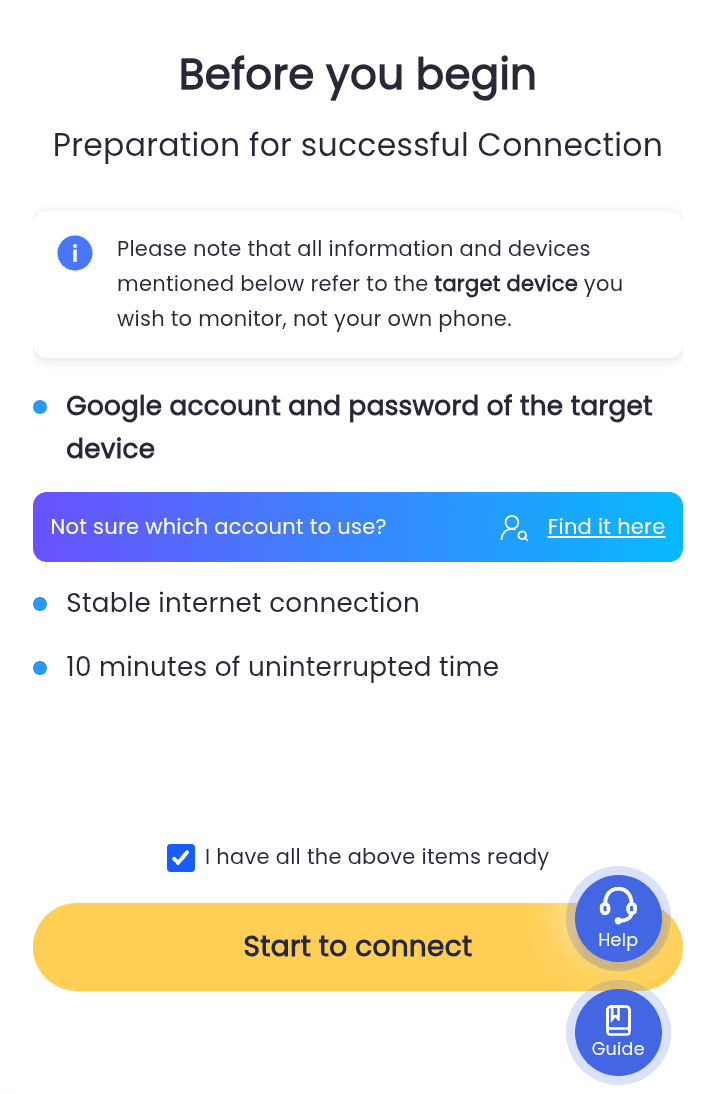
Ensure you have the following ready before proceeding:
- Google account and password of the target device
- Stable internet connection
- 10 minutes of uninterrupted time
If everything is prepared, confirm that you are ready to begin the connection process.
3、Enter Google cccount
Enter the Google account and password of the target device.
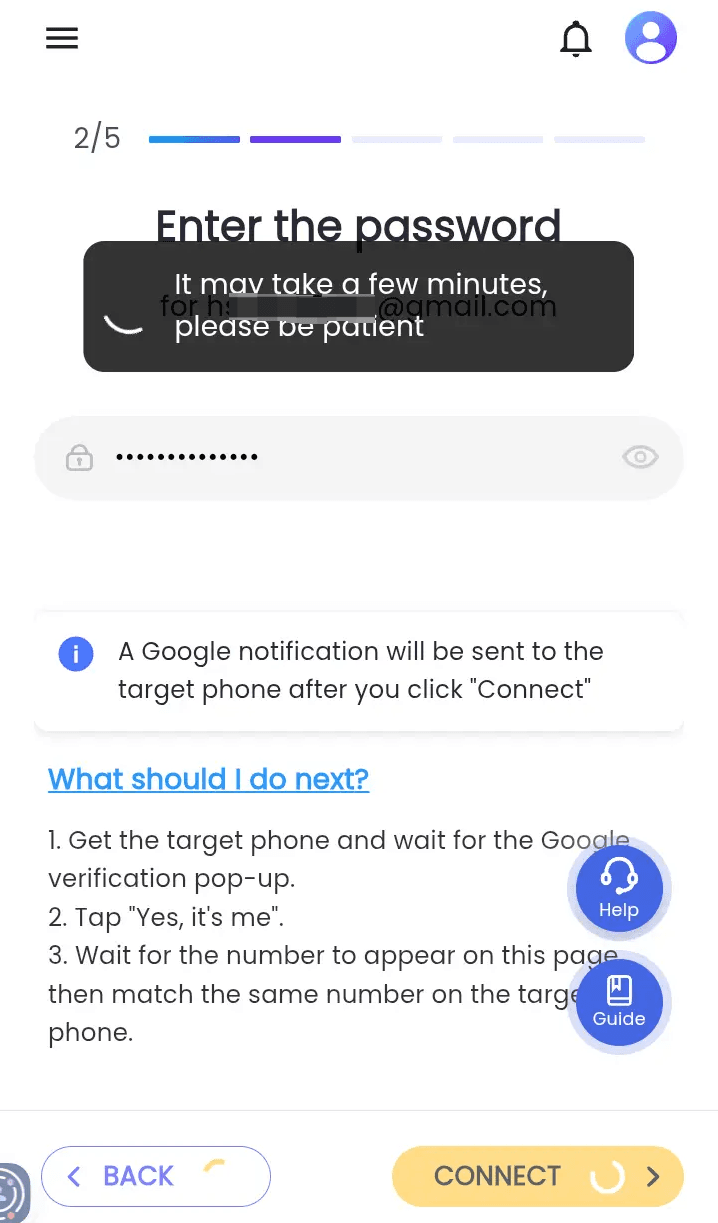
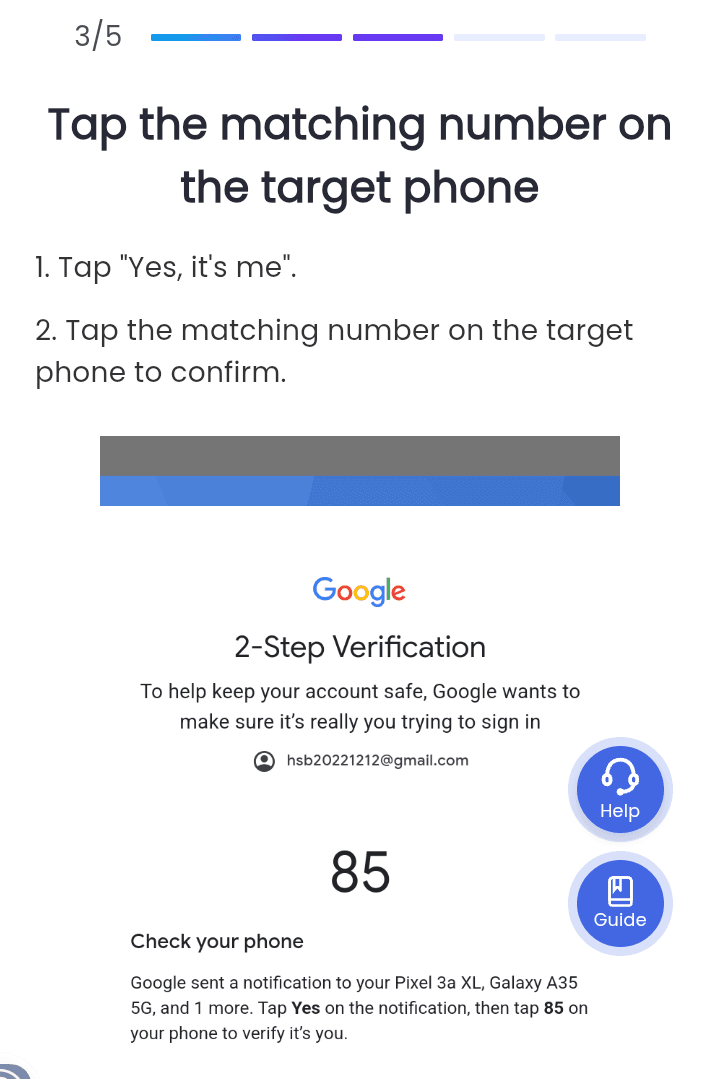
4、Complete Two-Step Verification
On the trusted device, verify the Google account. Tap "Yes, it's me." and then tap the matching number on the target phone to confirm.
5、Connection Complete
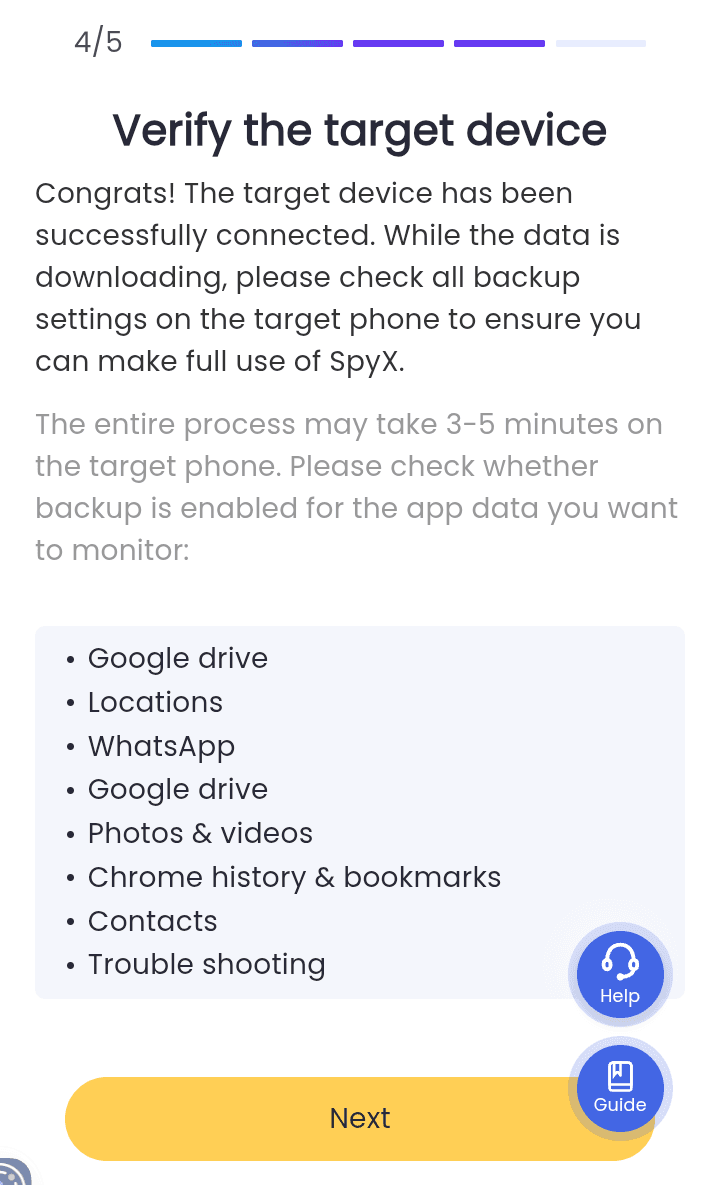
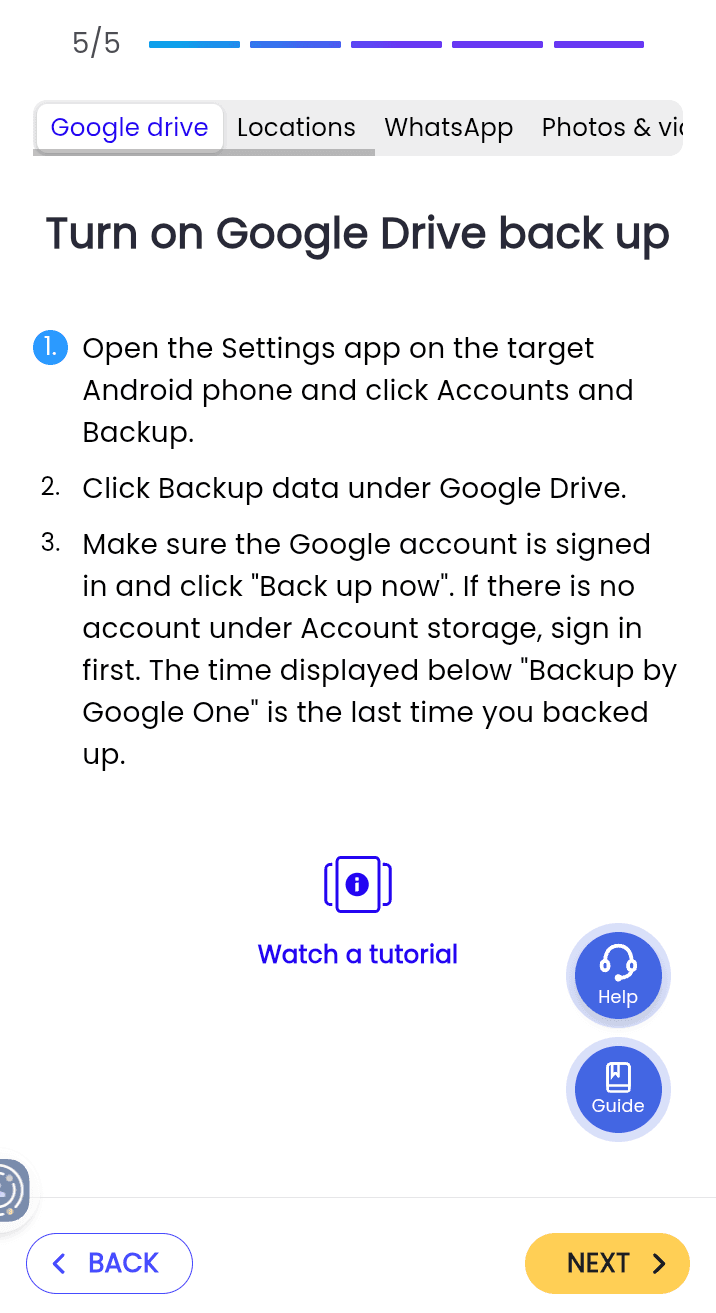
Please ensure that you have enabled the necessary permissions on the target device. You can now start using the monitoring service!
More Articles Like This
